
Seasonal review reply planning means deciding in advance how you will answer reviews during busy periods, and the first move is simple: name the season or event in each reply and personalize it. Keep your plan inside Google's reply guidance and the FTC's fake review rule. A tool like Local Review Reply can handle the drafting.
TL;DR:
- Route new reviews with low ratings to a person promptly, while routine positive reviews can wait in a queue and use approved wording variants.
- When a reviewer changes a rating, edit the original reply; Google says the response should match the updated review rather than remain stale.
- Disclose any business relationship when an owner, manager, or employee posts a testimonial, and never buy reviews or reward positive ones.
- Hold replies mentioning compensation, legal issues, or safety concerns for manager approval, and require human checks when templates contain unfilled placeholders.
Table of Contents
- Why does seasonality change how you should reply to reviews?
- What should your seasonal reply checklist include?
- What do seasonal reply templates look like in practice?
- When should you reply, and when should you edit an old reply?
- How can automation and approval workflows keep replies safe at scale?
- How do you measure whether seasonal replies are working?
- Why I plan around compliance first
- How we help you run seasonal review replies
- FAQ
- Sources
Why does seasonality change how you should reply to reviews?
A holiday rush, a summer tourist wave or a wedding season changes who is reviewing you and what they expect. Retail shoppers write about shipping and lines, hospitality guests write about crowded dining rooms, and event customers write about timing and coordination. Volume jumps, patience shrinks, and every public reply becomes a signal that someone is paying attention.
Remember who really reads your replies: the next customer comparing you with a competitor. A reply that mentions the season ("thanks for choosing us during our busiest week") reads as human and current, while a recycled template can read as neglect. Google's Business Profile playbook recommends monitoring and replying to reviews, and notes that helpful, positive replies build trust.
Two guardrails matter before you plan anything else. First, Google's guidance says replies must be edited when a reviewer updates their rating, so an old apology does not sit under a new five-star review. Second, the FTC's rule bans fake or purchased reviews, and 16 CFR 465.2 restricts procuring reviews from officers, managers, employees or their immediate relatives, while still allowing generalized solicitations. Your seasonal push for feedback needs to respect both.
Strong replies also support discovery. Our partner's write-up on Google Business Profile and local SEO explains why responsiveness matters for how customers find you.

What should your seasonal reply checklist include?
Work through these items before the peak starts, then keep them taped to the wall of whoever manages replies.
- Draft season-aware phrasing. Write openers that name the event or time of year, and add placeholders for the employee, date and service so each reply can be personalized quickly.
- Set triage tiers. Decide which reviews get an immediate human reply, which can use a templated reply, and which escalate to a manager.
- Stay inside the rules. Never buy reviews or offer rewards for positive ones. If an owner, manager or employee posts a testimonial, disclose the relationship clearly.
- Rotate your wording. Keep several variants of each template so a customer scrolling your profile does not keep seeing the same sentence.
- Name an owner for each location. Someone should be accountable when the reply queue grows.
- Avoid promises you cannot keep. Do not offer refunds, credits or fixes in public unless a manager has approved them.
Pro Tip: Write your variants before the rush, then read several of them aloud in a row. If they sound like one voice repeating itself, rewrite two of them.
For the baseline rules your team should already follow, see our review response guidelines. Seasonal planning builds on those habits rather than replacing them.
What do seasonal reply templates look like in practice?
Treat these as starting points, not scripts. Swap in real details every time.
- Positive review: "Thank you, [Name]! We loved having you in during [holiday week/summer season]. [Employee] will be glad to hear it. See you next time. — [Staff name]"
- Neutral or negative review: "Hi [Name], thank you for telling us. [Season/event] brought more customers than usual, and we clearly fell short of the experience you expected. Please contact [manager] at [phone or email] so we can look into it."
- Reviewer updates the rating: Edit your first reply instead of posting a new one.
- Escalation note: Flag any reply that names a person, a dollar amount or a legal issue for manual approval.
Here is a before-and-after for an updated review. Say a customer first posts a low rating about a late delivery during the holiday rush, and you reply with an apology and a contact. After your team resolves it, the customer raises the rating. Your original reply now looks out of place, so you edit it:
- Before: "We're sorry your order arrived late during our holiday rush. Please contact us so we can make it right."
- After: "Thank you for the update, [Name], and for giving us the chance to fix this. We appreciate your patience during our holiday rush."
Placeholders are where mistakes happen. Require a human check whenever a placeholder cannot be filled with a real fact. More wording ideas live in our library of Google review response templates.
When should you reply, and when should you edit an old reply?
Reply right away to new low-star reviews, but route them to a person rather than a template. Generic positive reviews can wait in a queue and use an approved variant. Updated reviews deserve their own lane, since a stale reply can mislead the next reader.
Google's help center says to edit your reply when a reviewer changes their rating, so the response stays accurate. Our walkthrough on responding to Google reviews covers the steps.
Sample peak-period rules you can adapt:
- Auto-acknowledge or draft positive reviews within a response window set by your team.
- Give sensitive or low-star reviews a prompt manual reply.
- Check updated ratings regularly and edit affected replies promptly.
- Escalate anything involving safety, legal threats or compensation to a manager.
These recommendations are examples, not benchmarks. Set yours by how many people you have on the reply queue. To spot updated ratings, filter your review list by recent activity and compare it with your last export.
How can automation and approval workflows keep replies safe at scale?
Automation works best as a drafting and routing layer, with people holding the final say on anything sensitive. Vendor documentation on auto-responses for updated reviews describes the useful controls: selecting business groups and listing sites, setting response timing, and offering template variants, with one version chosen at random to keep replies fresh.
Build your setup around these patterns:
- Random variants. Give each rating tier several templates so no two neighboring replies match.
- Manual approval gates. Hold low-star reviews, and any draft that mentions compensation or legal language, until a person signs off.
- Group by structure. Franchises can set one template set and timing at the brand level, then let individual stores add local details.
- Alerts and audits. Turn on notifications for updated reviews, and schedule a review audit after each peak event to catch anything missed.
Be clear internally about the difference between drafting and approving. A tool can write a first pass in seconds, but a named employee should own what goes public.
Pro Tip: Start with approval required for every reply during your first peak, then relax the gate only for the categories that never needed edits.
Our guide to personalized Google review replies and workflows goes deeper on setting this up.
How do you measure whether seasonal replies are working?
Pick a small set of metrics before the season begins so you are not guessing afterward. Useful ones include reply rate, time to reply, the share of updated reviews you addressed, the change in average rating among reviews you answered, and whether reviewers engage again.
To test your seasonal phrasing, split similar reviews between a baseline reply and a season-aware reply, then compare results over a period suited to your review volume. Keep the sample honest: do not cherry-pick which reviews get which version. Results from one season will not guarantee the next, so treat each test as a data point.
For where to look, Google Business Profile shows your reviews and replies in its dashboard. If you also manage an app, Google Play Console surfaces updated ratings, and App Store Connect lets you reply to reviews, edit responses and notes that responses may take up to 24 hours to appear. Export your data after the peak, then use it to decide which templates stay and which go.

Why I plan around compliance first
I plan seasonal replies around compliance first because the most common failures are not clumsy wording, they are replies that mislead or reviews that should never have been requested. Speed and personalization pull in opposite directions. Favor speed on routine praise during high volume, and favor a human touch on anything emotional, specific or risky.
Before a full rollout, pilot your seasonal templates at selected locations for a short period. Read every reply the pilot produces, collect the edits your managers made, and fold those edits back into the templates. A small pilot catches the awkward phrasing that a full launch would repeat hundreds of times.
— Ryan
How we help you run seasonal review replies
We built Local Review Reply for teams that need faster replies without losing control. It fits the seasonal workflow in these ways:
- Drafts personalized, on-brand replies
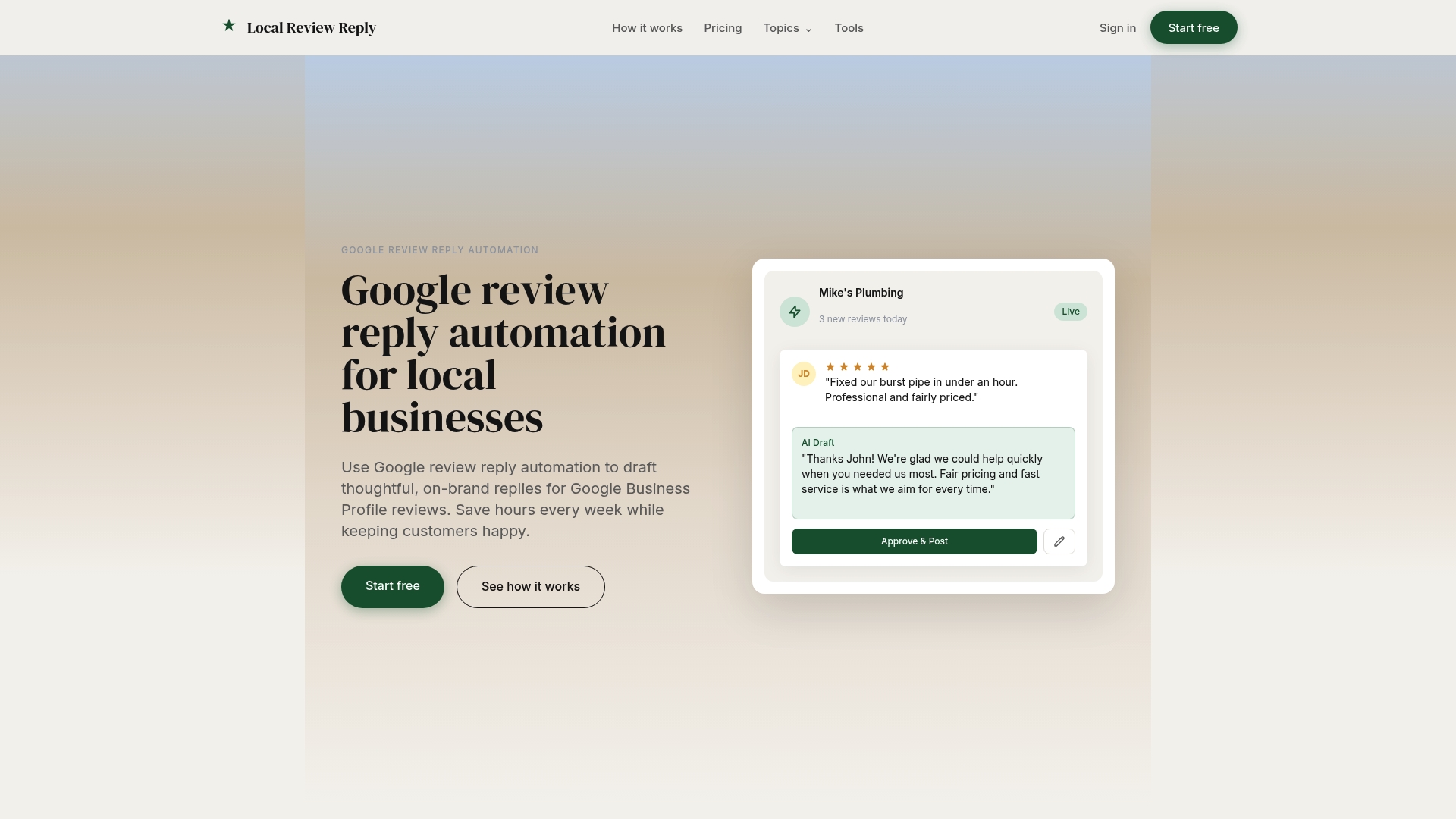
- Requires manual approval for sensitive low-star reviews before anything posts
- Groups multiple locations and tracks work in one dashboard
Browse our templates, then see plans and pricing when you are ready to trial it with your team.
FAQ
What are some good responses to reviews?
Good responses thank the reviewer, mention something specific from their visit, and stay short. For complaints, acknowledge the problem and offer a direct way to follow up. Google's reply guidance says helpful, positive replies build trust.
Can you provide an example of a 5-star review response?
Try: "Thank you, [Name]! We're glad [employee] made your [season/event] visit easy. We look forward to seeing you again." Keep one personal detail and avoid copying it word for word across reviews.
What is the best reply for comments?
The best reply is accurate, polite and specific to the comment. If a reviewer later changes their rating, edit your reply so it still makes sense, as Google advises.
Should seasonal replies offer discounts?
Only when a manager has approved the offer and it applies fairly to customers. Avoid linking discounts to review writing, since the FTC's fake review rule targets fake and purchased reviews.
Sources
- Federal Trade Commission Announces Final Rule Banning Fake Reviews and Testimonials | Federal Trade Commission
- Services GBP Best Practices Playbook 2026
- Manage customer reviews - Google Business Profile Help
- How to set up auto-response for updated reviews