
Owners and managers on a Google Business Profile can post review replies, and only owners can add or remove users. Third-party reply tools act only after an authorized Google user grants OAuth consent and the tool holds the right API scope. For franchises and agencies, the safest model is a small set of approvers plus an approval gate for sensitive replies.
TL;DR:
- Give responders the Manager role and reserve Owner access for people who manage users; a new owner or manager may face limits for seven days.
- A connected tool can post only after an authorized Google account grants OAuth consent, the tool has the required scope, and the location is verified.
- Route low rating or sensitive drafts, including safety, billing, or legal complaints, to named approvers; routine positive replies can follow a lighter review.
- Even a successful API submission does not guarantee publication: Google reviews replies for policy compliance, and approval can take about 10 minutes to 30 days.
- Review access monthly, remove former staff immediately, keep a company owner on profiles handled by agencies, and limit regional managers to assigned locations.
Table of Contents
- Who can reply on a Google Business Profile: owners vs managers
- How to set and manage review response permissions in Business Profile
- Third-party tools and the GBP API: OAuth, scopes, and what automation can do
- Approval workflows and permissions best practices for franchises and agencies
- Troubleshooting common permission issues and quick fixes
- Why I keep owners few and approvals firm
- How we help teams run permissioned review responses
- FAQ
- Sources
Who can reply on a Google Business Profile: owners vs managers
Google's role model is simple, and it drives everything else in this article. According to Google's owners and managers help page, owners can add and remove users, while managers can reply to reviews and handle many daily tasks but cannot change ownership. That split is the foundation of any review response permissions policy: the people who post replies do not need the power to change who has access.
Ownership changes carry a delay. Per Google's ownership transfer guidance, only owners can transfer primary ownership, and a new owner or manager may face a 7-day limitation before they can manage every feature. If you swap approvers on a Monday, plan for the new person to be partly limited for a week, and keep the outgoing approver's coverage in place until the new one is fully active.
A few habits keep access tight:
- Keep the number of owners as small as you can, ideally the business owner plus one backup.
- Give day-to-day responders the manager role so they can reply without managing users.
- Use a shared email alias for manager invitations, so access does not depend on one person's inbox.
- Remove former employees and former agencies the day they leave.
Pro Tip: Write down who holds each role in a shared sheet. When a review goes wrong, you will know in minutes who could have posted it.
How to set and manage review response permissions in Business Profile
Granting or changing access takes a few minutes, and you do it from the profile itself. Follow these steps:
- Open your Business Profile and go to People & access.
- Select Invite user and enter the person's email address (use the team alias where possible).
- Choose the role: Manager for people who reply, Owner only for those who must control access.
- Send the invitation and ask the person to accept the email notification.
- Allow for the 7-day limitation described in Google's transfer guidance when ownership or primary roles change.
Verification matters as much as roles; learn how to optimize your profile assets in our guide to Google Business Profile optimization. Google states that you must verify your business before replying to reviews. If someone with the manager role cannot see a reply box, check the location's verification status first, because the role is rarely the cause.
For housekeeping, run this checklist monthly: revoke access for anyone who left, confirm an owner from your own company stays on every profile an agency touches, and group locations so regional managers only see their own. Agencies should also follow Google's eligibility and ownership guidelines, which say authorized representatives should not claim a profile without consent and should keep the owner informed.
For more on how an ownership-first process looks across chains, see our response ownership checklist.
Pro Tip: Invite agencies as managers by default. Promote them to owner only when your contract truly requires it.
Third-party tools and the GBP API: OAuth, scopes, and what automation can do
Reply software does not hold special powers of its own. Google's OAuth guidance treats a connected tool as an authorization layer: it can act on a profile only after an authorized Google user consents, and that user can revoke the access at any time. In practice, your reply automation is only as legitimate as the Google account that connected it.

On the technical side, replies go through the API. Google's review data documentation explains that the API can list reviews and reply to them programmatically, and the updateReply method creates or updates a reply to a specific review.
What to expect operationally:
- The connecting account needs a role that can reply, and the tool needs an OAuth scope such as business.manage.
- The location must be verified, or the call will not work.
- Replies still go through Google's policy review, so a successful API call does not mean the reply is live.
- Organization-level admin settings can block API operations, so check with whoever administers your Google account.
Scope required for replies: the updateReply reference lists https://www.googleapis.com/auth/business.manage as an accepted scope, and the older plus.business.manage scope is also listed.
Approval workflows and permissions best practices for franchises and agencies
Roles tell you who can post. A workflow tells you who should. For multi-location teams, the pattern that holds up best separates drafting from posting:
- Drafters write or generate replies in a shared pool, without direct posting rights where your tooling allows it.
- Designated approvers (owners or a small set of locked managers) review every draft that touches a low-star or sensitive review.
- Routine positive replies can follow a lighter check, as long as a named approver owns the rule.
- Approved replies are posted, and the poster is recorded.
- A reviewer audits a sample of posted replies on a regular schedule.
Access controls support this. Use location groups so a regional lead sees only their sites, keep owners on every account, and rotate manager access when staff change roles. Maintain an access log with the person, role, date granted and date removed, and write down who is responsible for which locations. When someone leaves, revoke access immediately instead of waiting for the next audit.
Agencies should treat approval gates as part of the client contract: agree in writing which review types need client sign-off before posting. Our guide to scaling replies across franchise locations shows how teams reuse approved wording safely, and our review response guidelines help keep replies consistent with policy.
Pro Tip: Define "sensitive" before you need it. A written rule such as "anything with a low rating, or mentioning safety, billing or legal issues, goes to an approver" removes the guesswork.
Troubleshooting common permission issues and quick fixes
Most reply problems fall into three buckets. Work through the one that matches.
- You cannot reply. Confirm the location is verified, then open People & access and check your role. Look for a pending ownership transfer or a conflict between accounts, since the transfer rules can limit features for a period.
- A tool cannot reply. Check that the connecting user still has OAuth consent active, that the tool holds the required scope, and that your organization has not blocked API access. If the consent was revoked, reconnect with an account that has a reply-capable role.
- A reply is rejected or delayed. Google reviews replies for policy compliance, and approval can take anywhere from about 10 minutes to 30 days. Check the state of the reply in the interface or in the review resource, then edit the text to meet the content policy and resubmit.
If you are wondering what you can and cannot hide or remove afterward, our post on hiding a Google review response covers it.
Why I keep owners few and approvals firm
The best permission setups I have seen are boring. Owners are few, drafting is separated from posting, and anything sensitive waits for a named human. People worry this slows things down, but routine replies move at the same speed once the rules are clear. Only the risky ones pause, and those are the ones you want a second set of eyes on.
The other half is discipline. Access drifts: staff leave, agencies change, and a former contractor quietly keeps manager rights long after they leave. Put a recurring reminder on the calendar to review who has access and sample recent replies. A regular audit beats a public mistake.
— Ryan
How we help teams run permissioned review responses
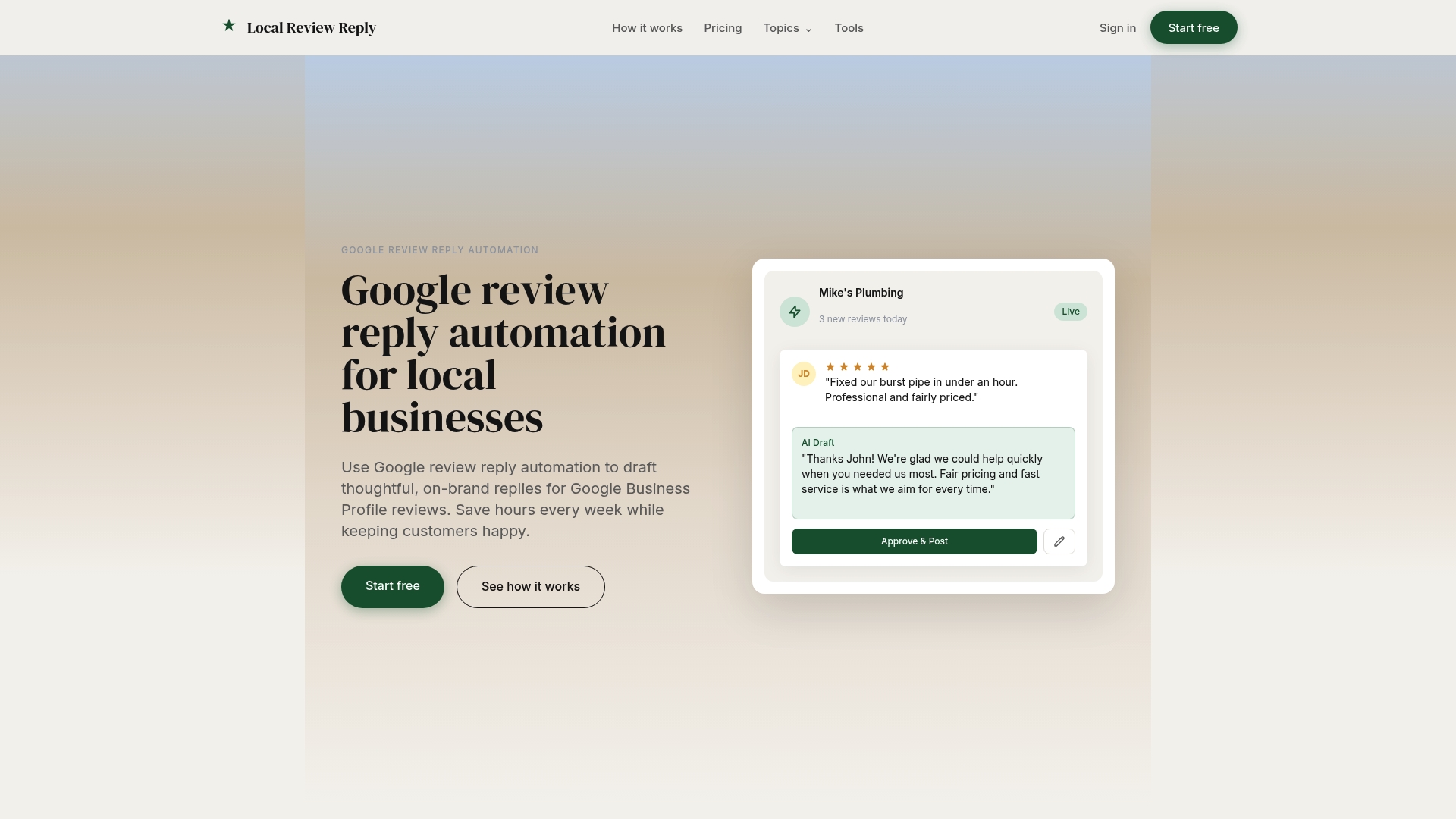
We built Local Review Reply so teams can reply quickly without giving up control. Our software drafts personalized, on-brand replies, with approval controls for sensitive and low-star reviews. Automated drafting speeds up the work, and human approval keeps the judgment where it belongs.
- We draft replies in your brand voice so approvers start from a solid first version.
- We support approval controls for sensitive or low-star reviews.
- We support multi-location management and role-based workflows for franchises and agencies.
To see how this fits your team, compare our plans on the pricing page or browse our reply templates.
FAQ
Who can reply to Google reviews for a business?
Owners and managers of a verified Business Profile can reply. Owners can also add and remove users, which managers cannot do, as Google's roles page explains.
Do I need to verify my business before replying to reviews?
Yes. Google requires verification before you can reply, and replies are checked against content policies before they appear publicly.
How long does a review reply take to appear?
Usually only a short while, but Google notes it can take anywhere from about 10 minutes up to 30 days for a reply to be approved. If a reply is rejected, edit it to follow the content policy and submit it again.
Can a third-party tool reply without my permission?
No. A tool can act on a profile only after an authorized Google user grants consent through OAuth, and that user can revoke access at any time, per Google's OAuth guidance.
What should a franchise do to control who posts replies?
Keep owners to a minimum, give responders the manager role, and route low-star or sensitive replies through named approvers. Remove access for departed staff right away.
Sources
- Manage your Business Profile owners & managers - Google Business Profile Help
- Manage customer reviews - Google Business Profile Help
- Implement OAuth with Business Profile APIs | Google Business Profile APIs | Google for Developers